Art is often the slowest part of a 2D game. These habits keep assets consistent and your iteration loop short.
Decide the rules up front
- Lock your pixels-per-unit. Pick one PPU value (for example 16 or 32) and use it for every sprite.
- Choose a limited palette. Twelve to thirty-two colours make every asset feel like it belongs to the same world.
- Design for the smallest screen. If a character reads clearly on a phone, it will read everywhere.
Build for reuse
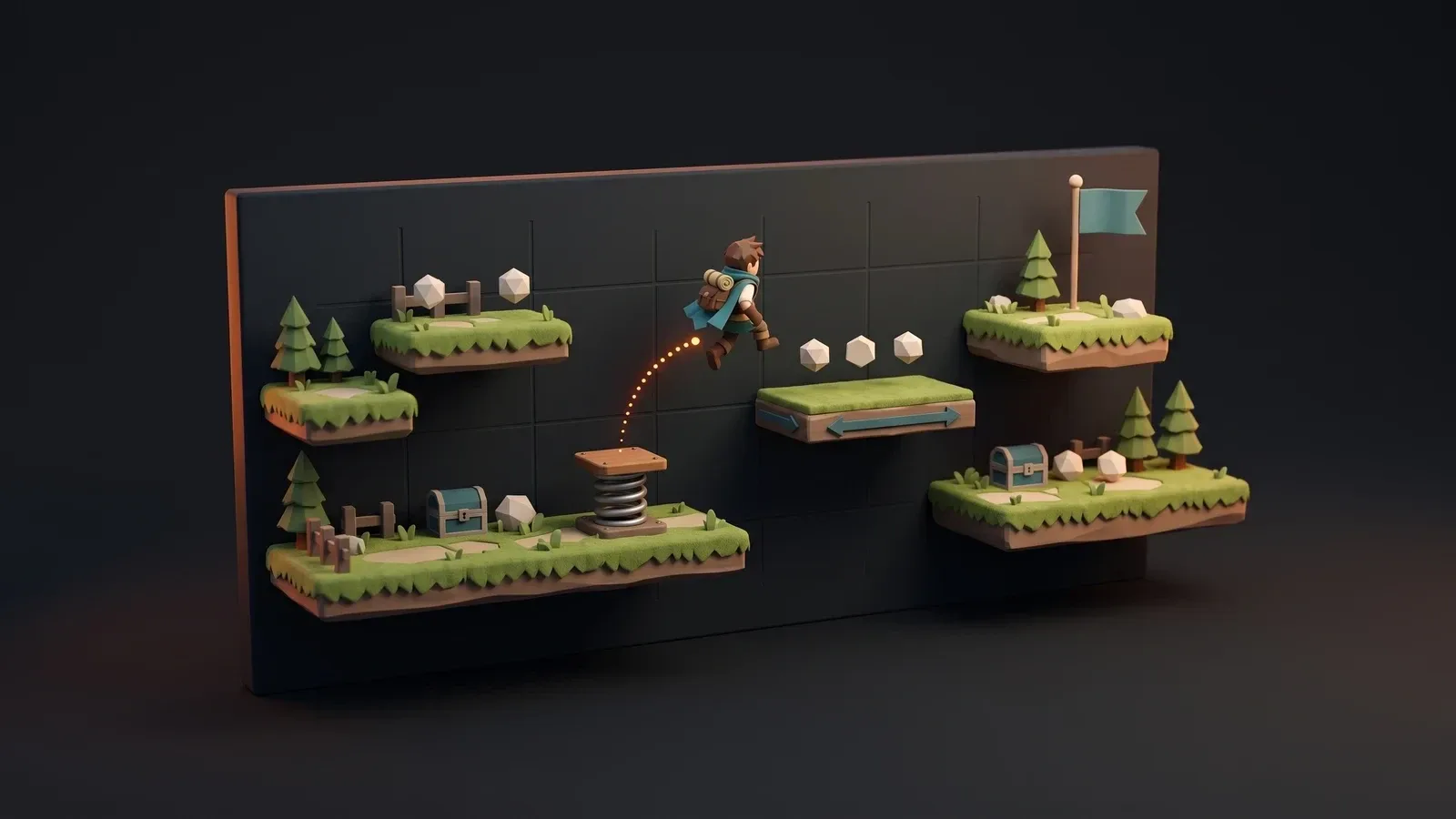
- Use modular tilesets. Corner, edge and fill pieces let you build large levels from a few tiles.
- Separate animation layers. Keep bodies, weapons and effects apart so you can mix and match.
- Pack sprites into atlases. Fewer textures means fewer draw calls and faster loading.
Keep the pipeline moving
- Name files predictably. Something like
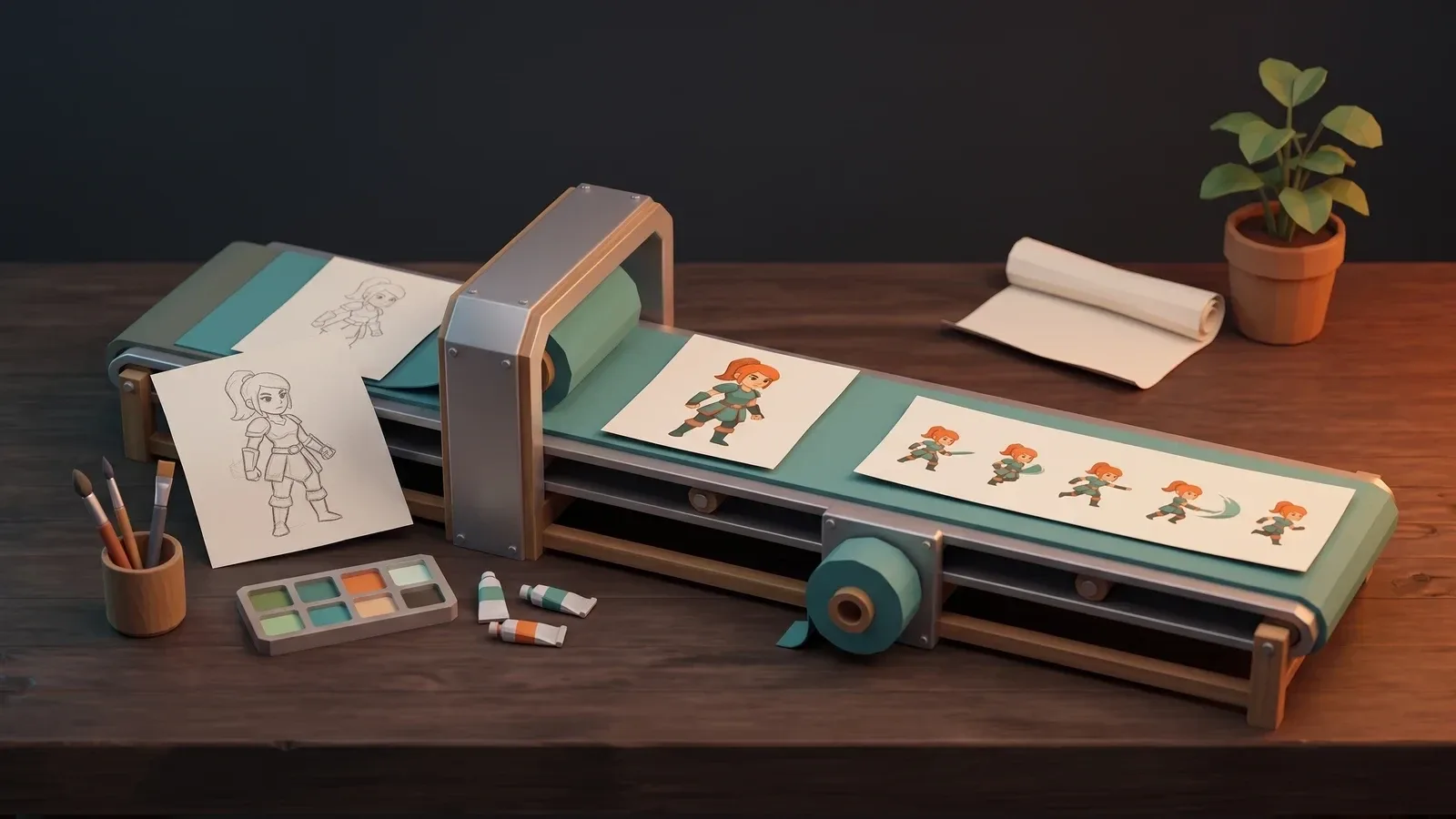
hero_run_01.pnglets import scripts slice and group animations for you. - Automate exports. Script your export from Aseprite or your art tool so a single command updates the game.
- Test in-engine early. A sprite that looks great on the canvas can feel wrong at game speed.
- Keep source files. Always commit the layered originals next to the exported PNGs.
Consistency beats detail. A simple, coherent style will always look better than a mix of detailed assets.